Microsoft Enhances Windows Security to Block Malicious Remote Desktop Files
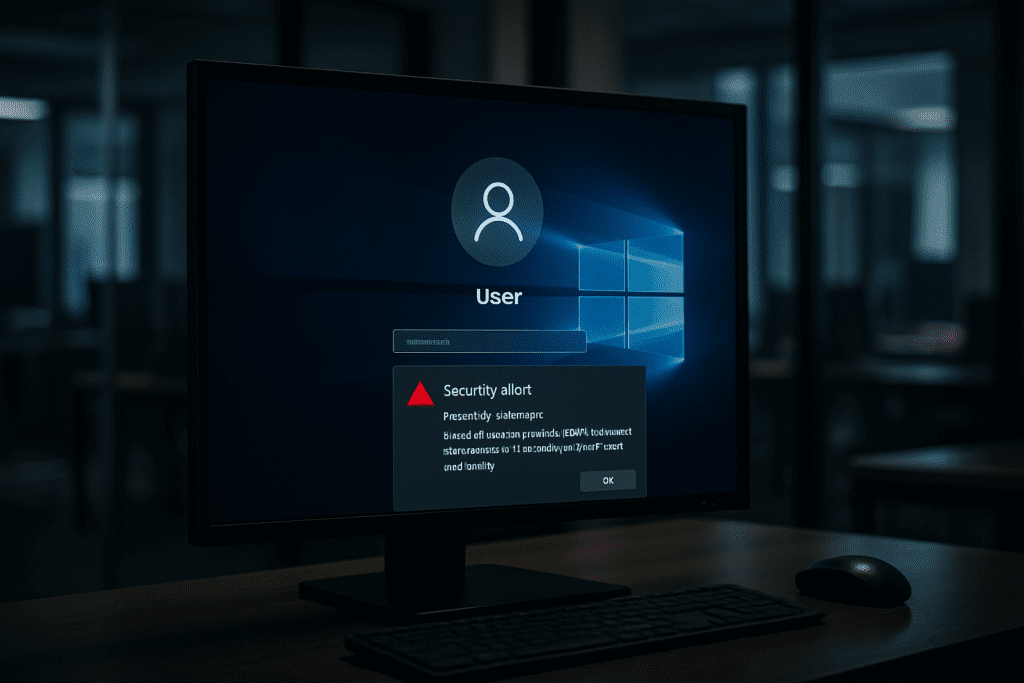
Microsoft has implemented new security features in Windows to protect users from phishing attacks exploiting Remote Desktop Protocol (.rdp) connection files. These protections include alerting users when opening potentially malicious .rdp files and disabling the automatic sharing of risky resources to reduce exposure.
What happened
Microsoft has introduced new defensive measures in Windows aimed at mitigating phishing attacks that abuse Remote Desktop connection files, commonly with the .rdp extension. These files can be crafted by attackers to connect to malicious servers, and were previously used as a vector for social engineering attacks targeting Windows users.
The updated protections add warning dialogs to alert users when they attempt to open .rdp files that could lead to unsafe activity. Additionally, Windows now disables by default certain shared resources, such as clipboard and local drives, which attackers could exploit to gain access or execute code during RDP sessions.
Why it matters
RDP files are widely used for legitimate remote access but have also become a tool for attackers to carry out phishing campaigns that can lead to credential theft or unauthorized access. By strengthening built-in protections, Microsoft reduces the risk that malicious .rdp files compromise user systems or grant attackers footholds in networks.
This change limits the attack surface related to Remote Desktop connections, an area that has been actively abused by threat actors. Enhanced warnings and resource restrictions improve user awareness and prevent automatic exposure to shared resources, which can otherwise be exploited in these phishing scenarios.
What security teams should do
Organizations and security teams should ensure Windows systems are updated with the latest security patches that include these new protections. It is also advisable to educate users about the risks of opening unsolicited or unexpected .rdp files, reinforcing safe handling of remote connection links.
Reviewing remote desktop usage policies and configurations to limit shared resources where possible can further reduce exposure. Monitoring for unusual RDP activity and phishing attempts remains important to detect exploitation attempts despite the new protections.
Key technical details
The new Windows protections add user warning prompts when opening Remote Desktop connection (.rdp) files, designed to prevent automatic, unconsented connections initiated through phishing.
Additionally, Windows disables by default certain resource sharing features in RDP sessions, such as redirecting the clipboard and sharing local drives. This reduction in automatically shared resources mitigates attack vectors that leverage these features to execute malicious code or extract sensitive information during remote sessions.
Affected organizations/products
These security enhancements apply to Windows operating systems that support Remote Desktop Protocol connections and utilize .rdp files for session initiation.
Source attribution